内置节点参考
Recraft Vectorize Image - ComfyUI 原生节点文档
将栅格图像转换为矢量SVG格式的 Recraft 合作伙伴节点
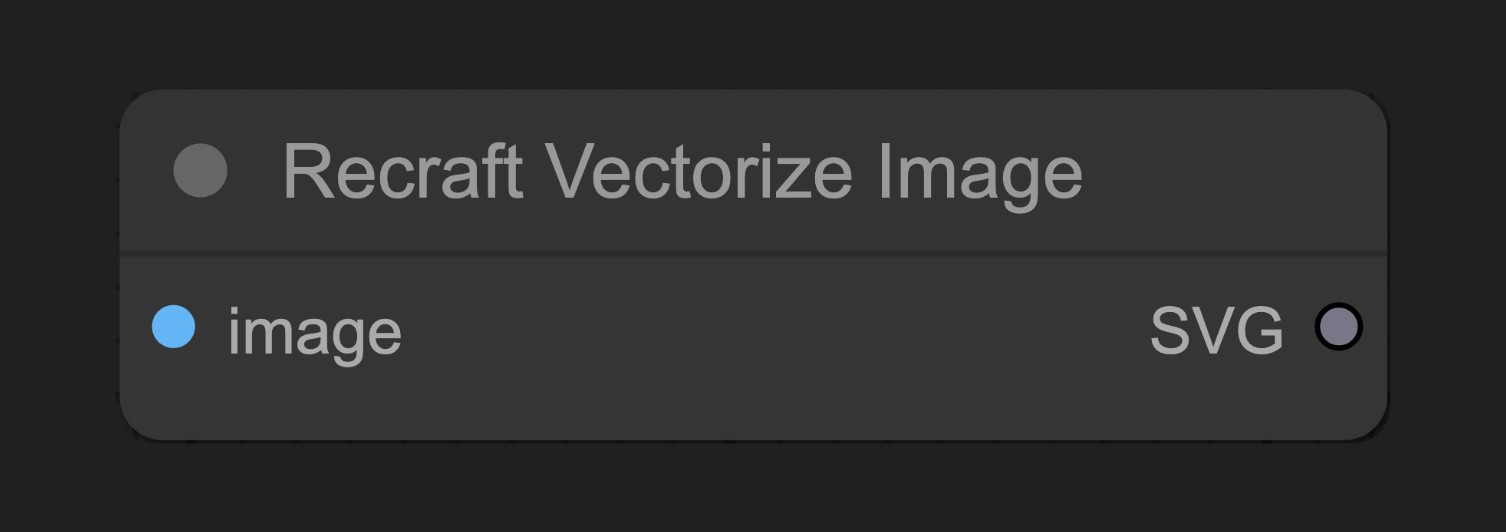
Recraft Vectorize Image 节点可以将通过 Recraft 的 API 将栅格图像(如照片、PNG或JPEG) 转换为矢量SVG格式。
参数说明
基本参数
| 参数 | 类型 | 默认值 | 说明 |
|---|---|---|---|
| image | 图像 | - | 要转换为矢量的输入图像 |
输出
| 输出 | 类型 | 说明 |
|---|---|---|
| SVG | 矢量图 | 转换后的SVG矢量图形,需连接到SaveSVG节点保存 |
使用示例
Recraft Text to Image 工作流示例
Recraft Text to Image 工作流示例
源码参考
[节点源码 (更新于2025-05-03)]
class RecraftVectorizeImageNode:
    """
    Generates SVG synchronously from an input image.
    """

    RETURN_TYPES = (RecraftIO.SVG,)
    DESCRIPTION = cleandoc(__doc__ or "")  # Handle potential None value
    FUNCTION = "api_call"
    API_NODE = True
    CATEGORY = "api node/image/Recraft"

    @classmethod
    def INPUT_TYPES(s):
        return {
            "required": {
                "image": (IO.IMAGE, ),
            },
            "optional": {
            },
            "hidden": {
                "auth_token": "AUTH_TOKEN_COMFY_ORG",
            },
        }

    def api_call(
        self,
        image: torch.Tensor,
        auth_token=None,
        **kwargs,
    ):
        svgs = []
        total = image.shape[0]
        pbar = ProgressBar(total)
        for i in range(total):
            sub_bytes = handle_recraft_file_request(
                image=image[i],
                path="/proxy/recraft/images/vectorize",
                auth_token=auth_token,
            )
            svgs.append(SVG(sub_bytes))
            pbar.update(1)

        return (SVG.combine_all(svgs), )
官方原文
本页来自 Comfy-Org 官方中文文档的固定版本,并转换为 xueai 静态页面。内容以官方持续更新的页面为准。