构建工作流
Use the UI mapper
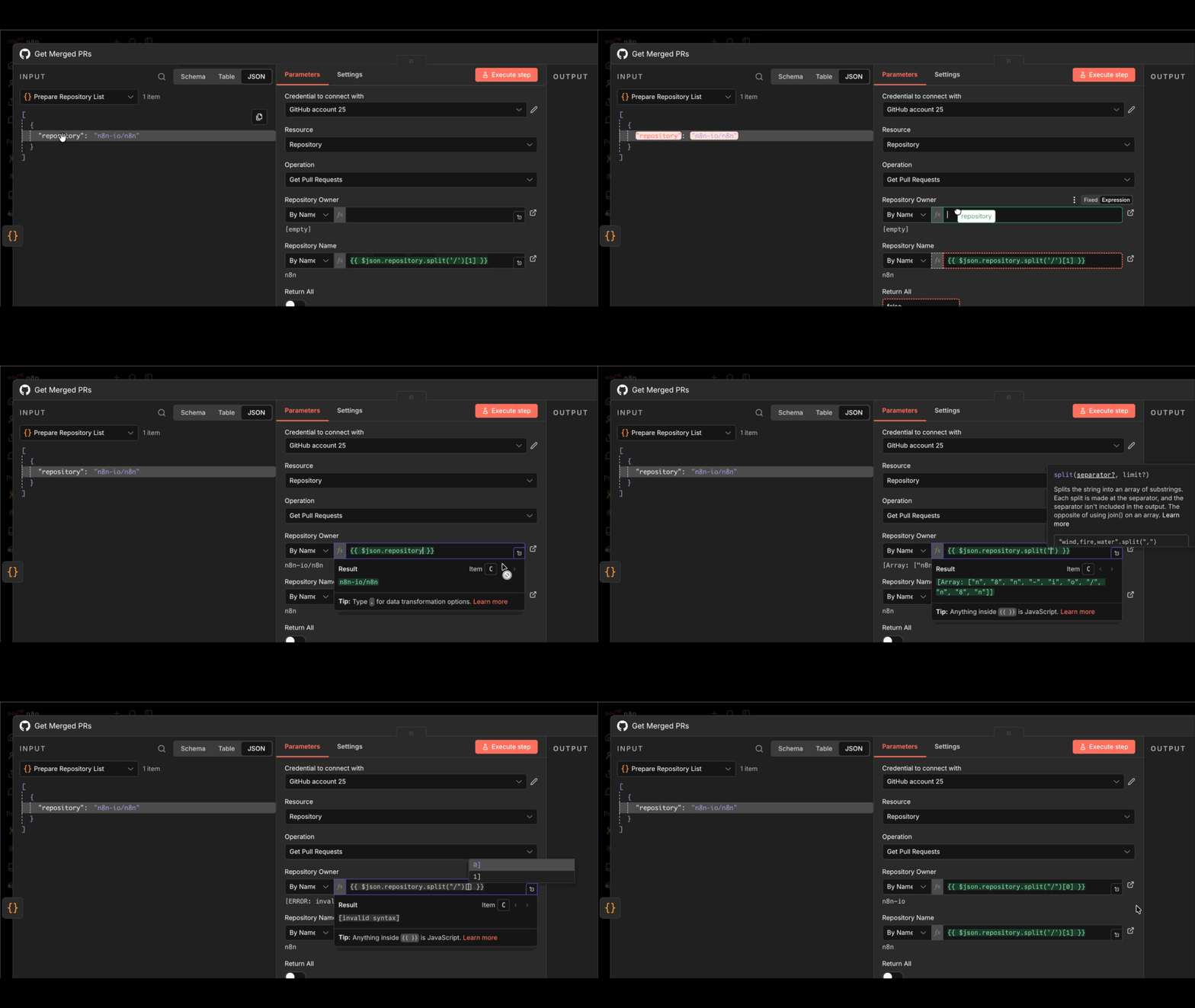
Data mapping means referencing data from previous nodes. It doesn't include changing (transforming) data, just referencing it.
When you need data from a particular node in your workflow, you can reference nodes by name. This is useful when your workflow has multiple branches or when you need to access data from several steps back.
You can map data in the following ways:
- Using the expressions editor.
- By dragging and dropping data from the INPUT pane into node parameters. This generates the expression for you.
For information on errors with mapping and linking items, refer to Item linking errors.
官方原文和授权
本页来自 N8N 英文官方网站固定快照,并转换成 xueai 静态页面。内容以 N8N 持续更新的官方页面为准。