构建工作流
Export and import
n8n saves workflows in JSON format. You can export your workflows as JSON files or import JSON files into your n8n library. You can export and import workflows in several ways.
Copy-Paste
You can copy and paste a workflow or parts of it by selecting the nodes you want to copy to the clipboard (Ctrl + c or cmd +c) and pasting it (Ctrl + v or cmd + v) into the Editor UI.
To select all nodes or a group of nodes, click and drag: 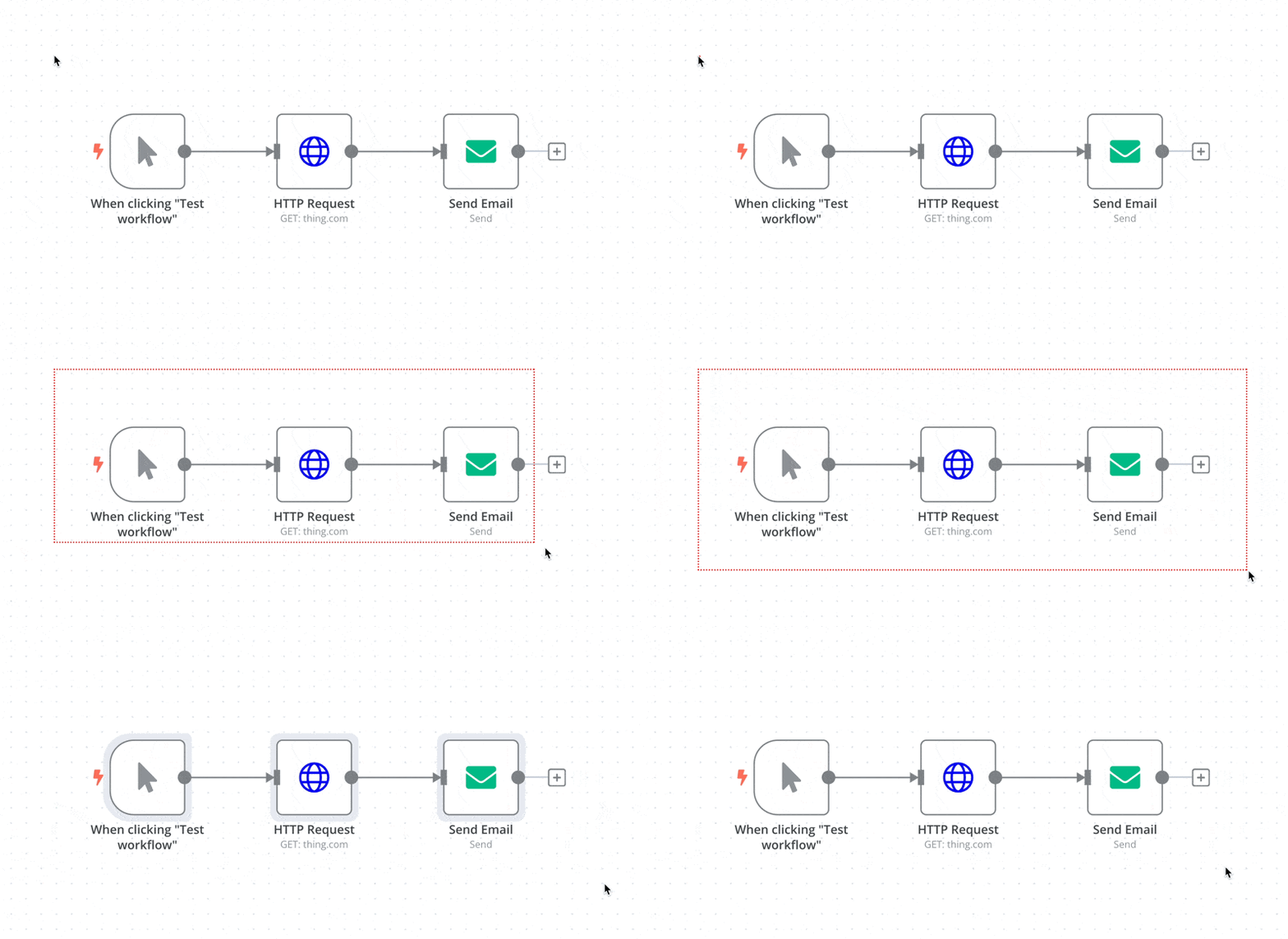
From the Editor UI menu
From the top navigation bar, select the three dots in the upper right

to see the following options:
- Download: Downloads your current workflow as a JSON file to your computer.
- Import from URL: Imports workflow JSON from a URL, for example, this workflow JSON file on GitHub.
- Import from File: Imports a workflow as a JSON file from your computer.
From the command line
Using the new n8n package CLI
See n8n packages to understand how to import and export workflows. This feature is still under development (Beta).
Using the Server CLI
- Export: See the export commandsfor exporting workflows or credentials.
- Import: See the import commandsfor importing workflows or credentials.
From the Public API
See n8n packages to understand how to import and export workflows via our Public API. This feature is still under development (Beta).
官方原文和授权
本页来自 N8N 英文官方网站固定快照,并转换成 xueai 静态页面。内容以 N8N 持续更新的官方页面为准。